 Device Mockup
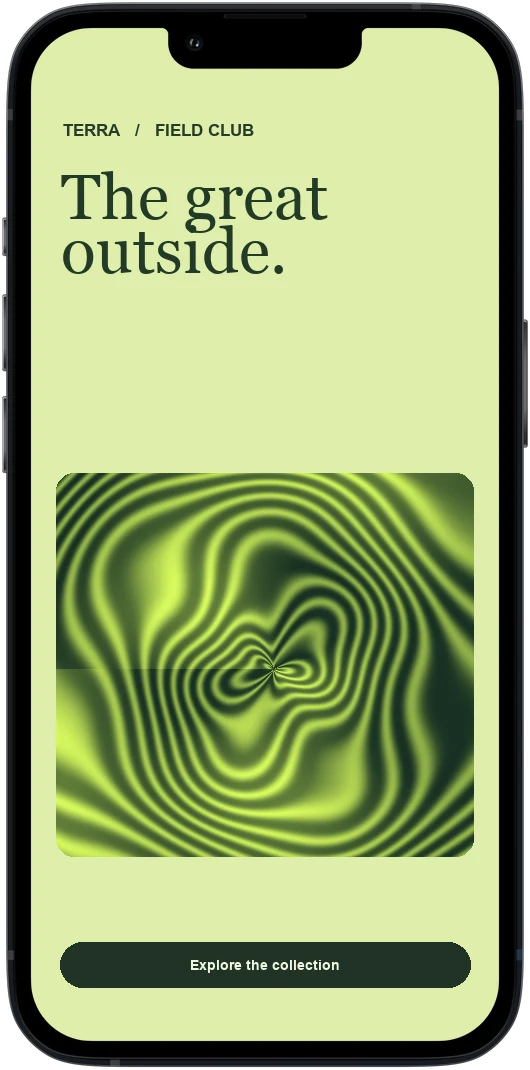
Phone
App screens and mobile designs
Device Mockup Maker for Canva
Frame your screenshot with Device Mockup for Canva. Choose a template, add your image, and insert the mockup into your design.
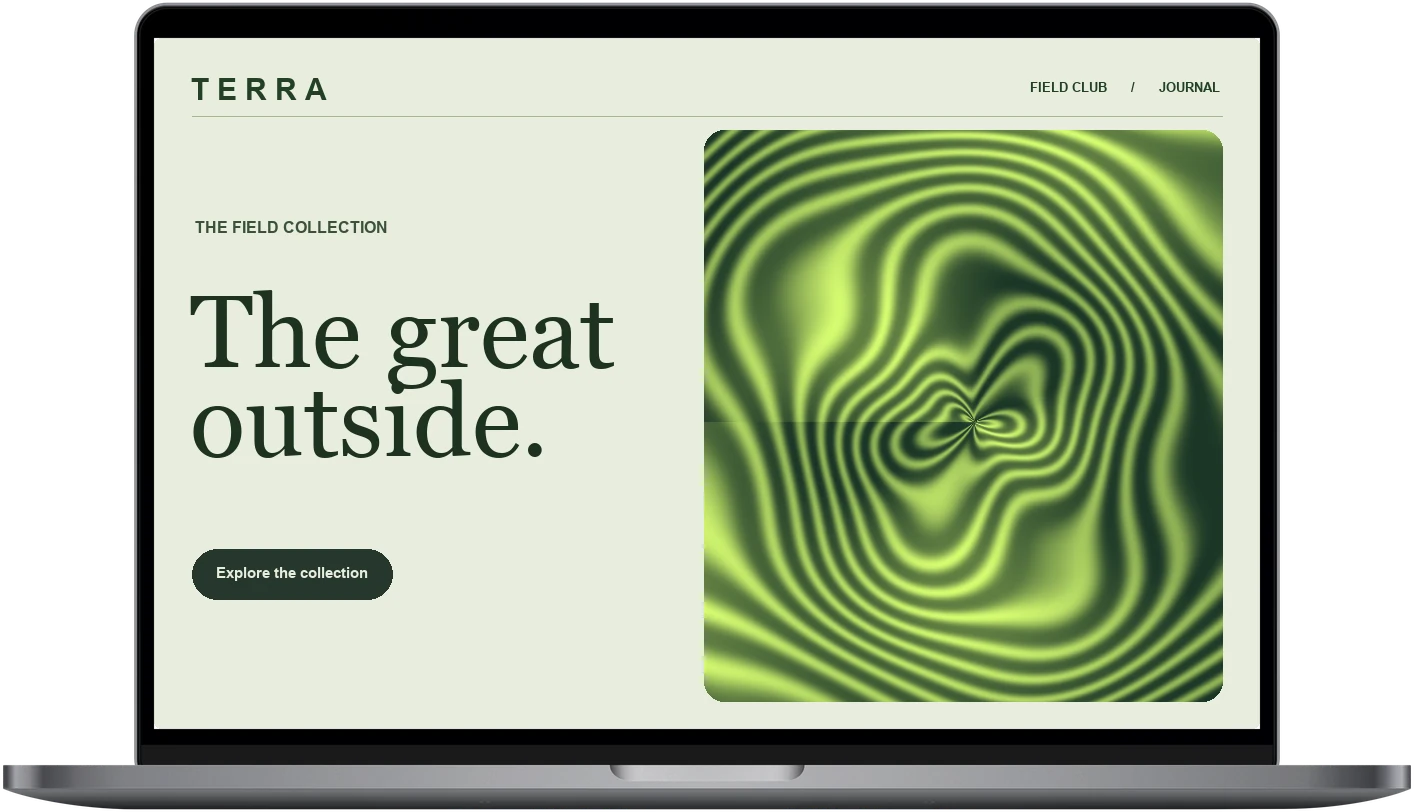
Explore the device templates you can use in Canva.
App screens and mobile designs
Websites and product dashboards
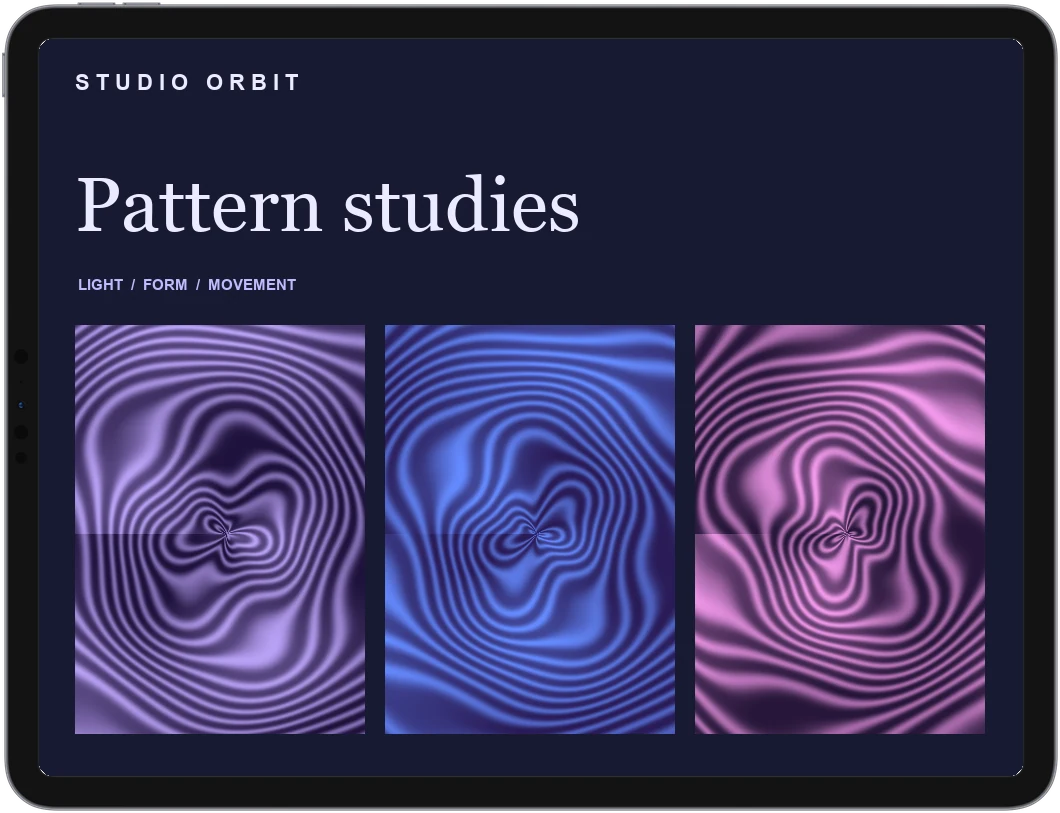
Portfolios and digital publications
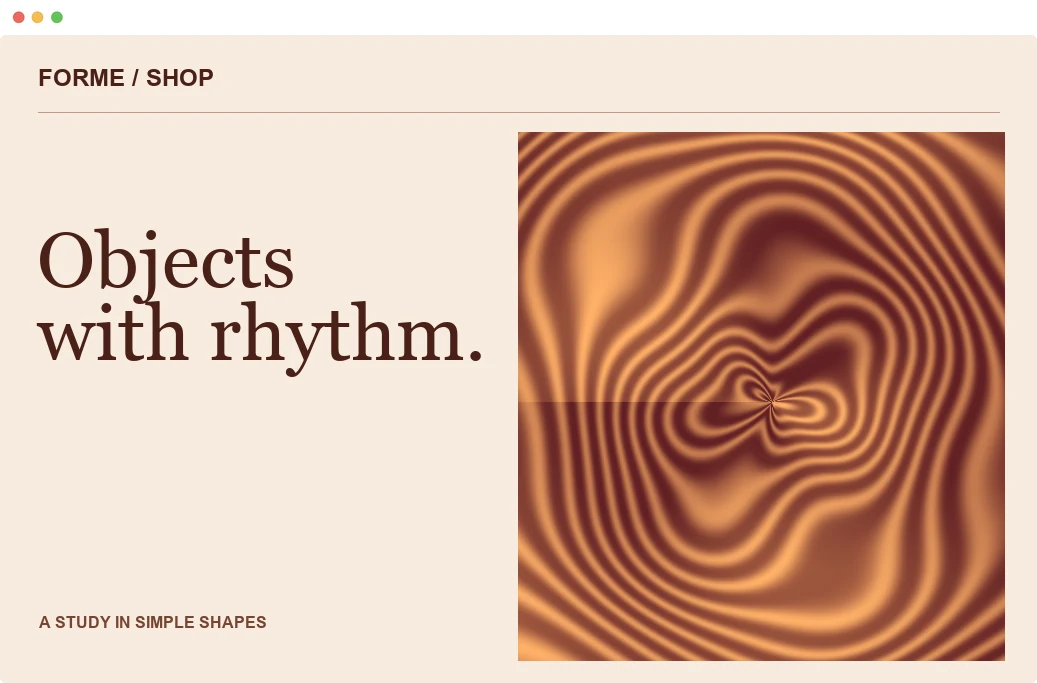
Landing pages and storefronts
Open Device Mockup in Canva and select a design.
Pick a device template and add a screenshot or image.
Add the finished mockup to your Canva design.
It shows a design inside a device frame, such as a phone screen or a laptop display.
Yes. Use a screenshot, a design export, or a product image as the screen content.
Open Device Mockup from Canva Apps and select a design to get started.
Open Device Mockup in Canva and start with an image of your own.